Full Description
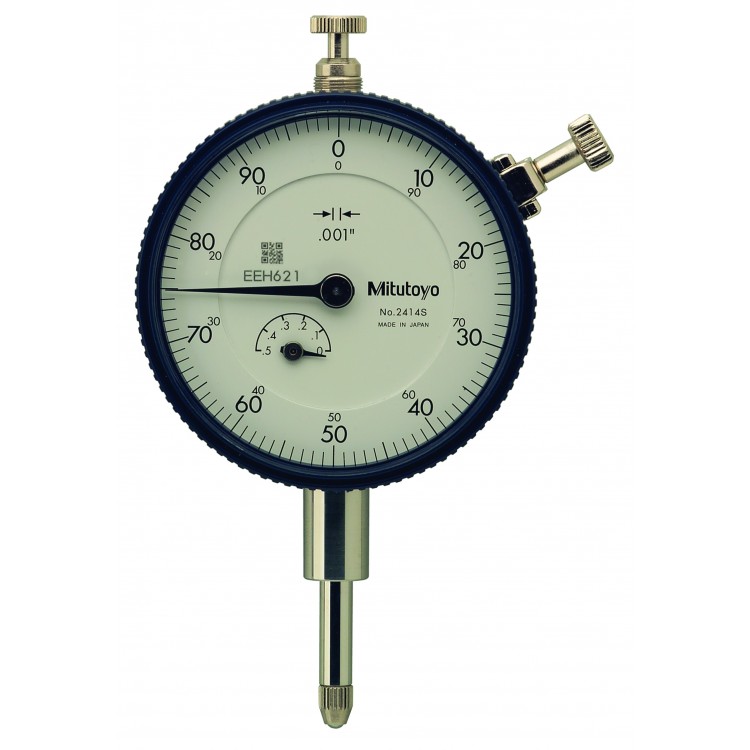
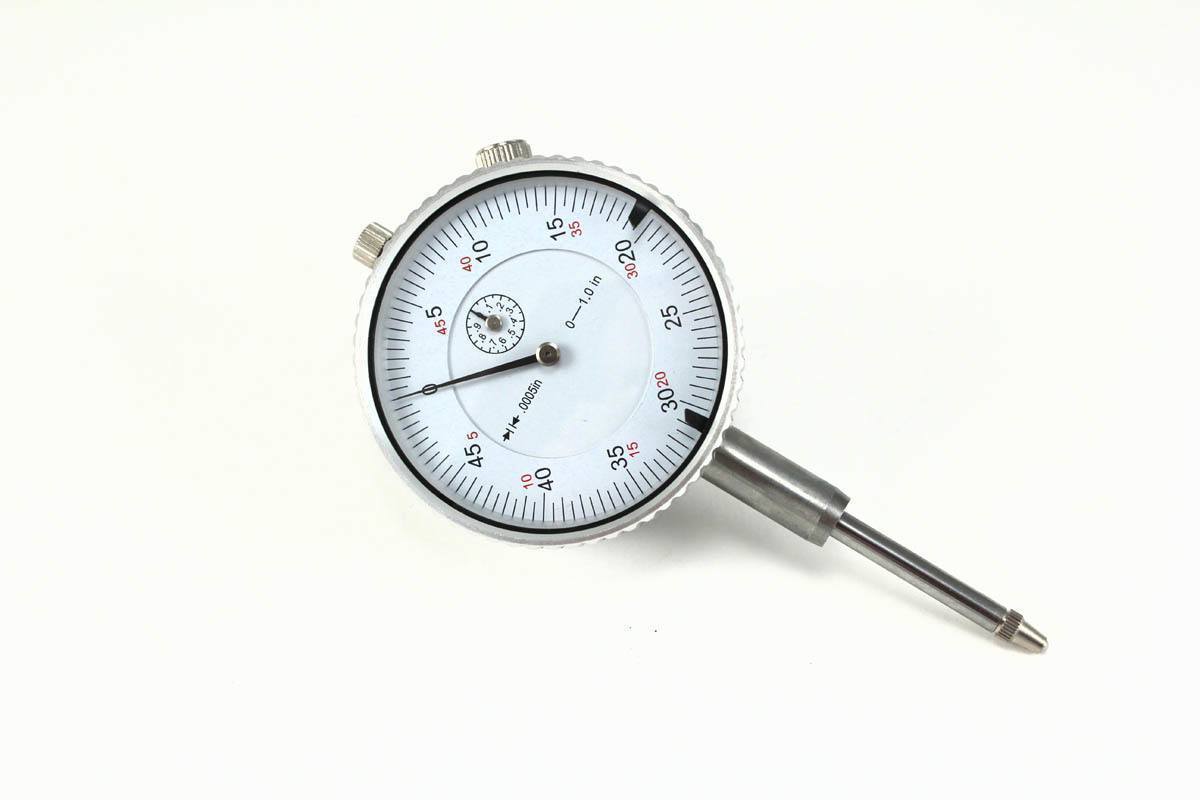
Dial Indicator 0.0005″
Dial Indicator with 0.0005″ resolution.
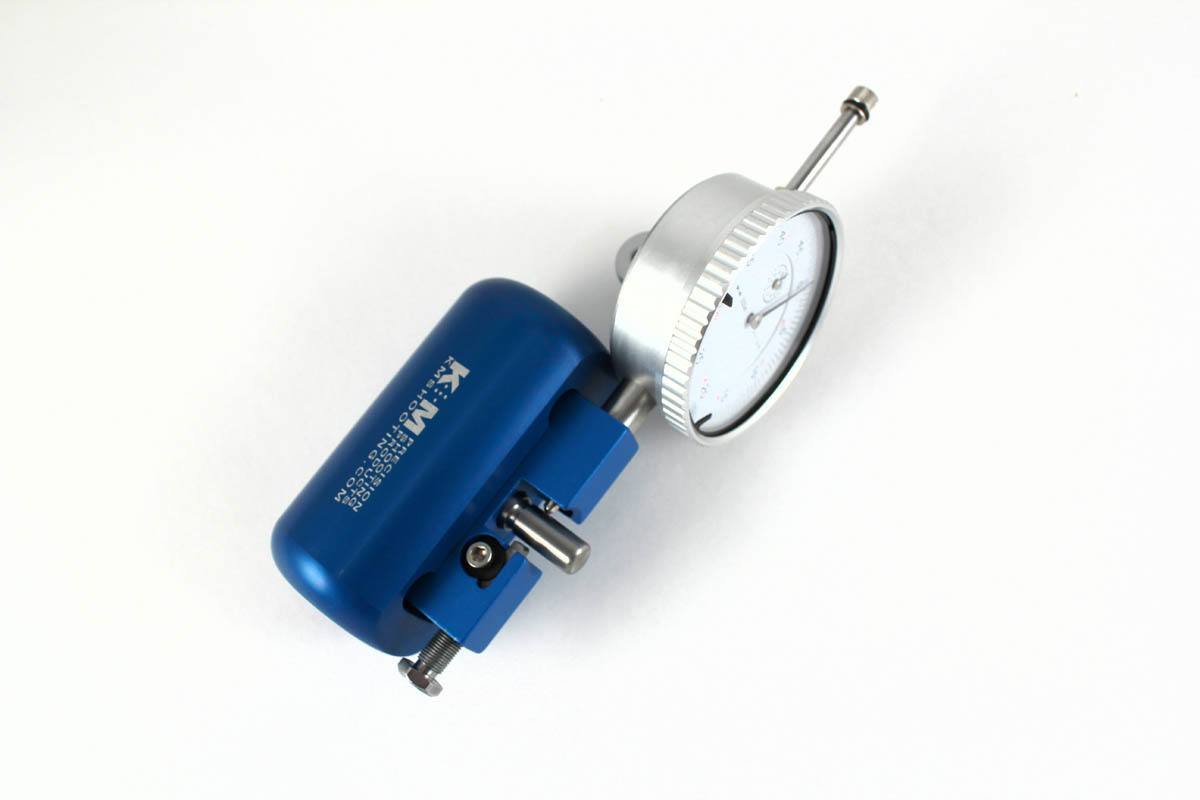
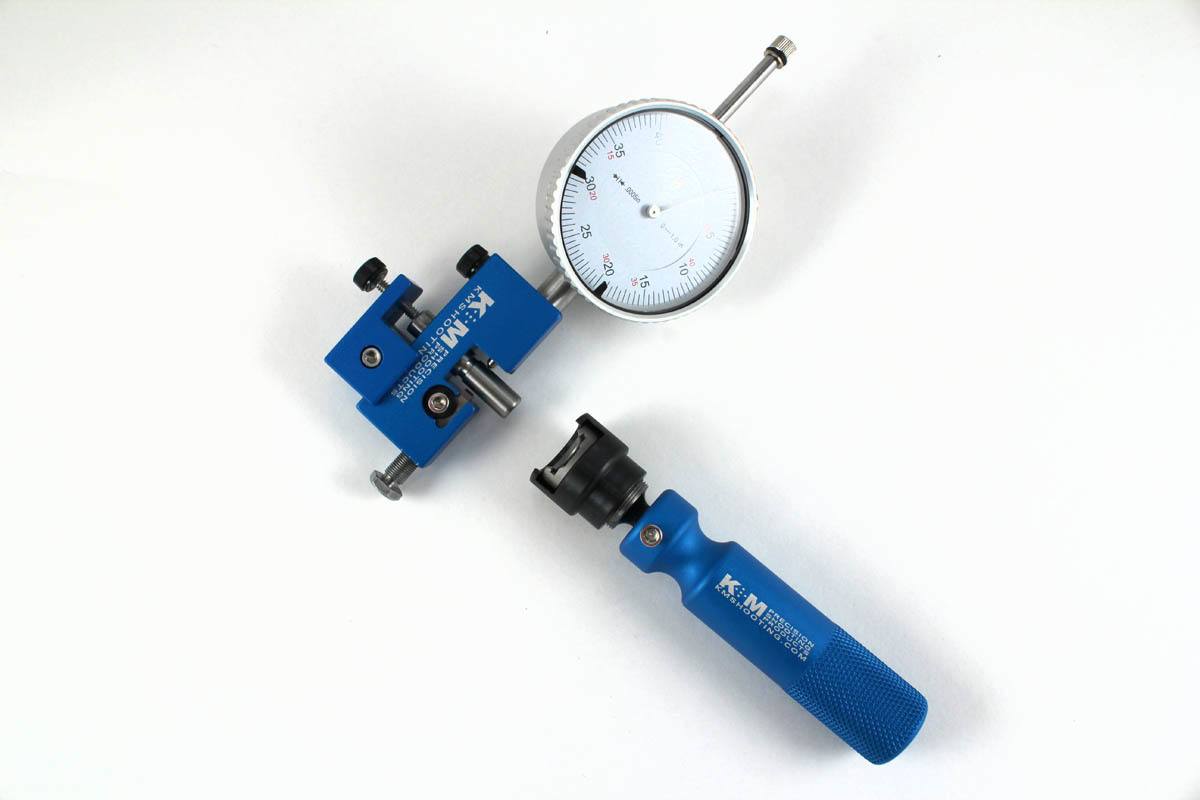
Installation:Install the dial indicator into the 3/8 port on the Micro-Adjustable Neck Turner and snug up the black thumb screw. Zero the face of the dial indicator when the stem is against the pilot, now slide a case over the pilot and neck wall thickness can be measured directly. You can measure wall thickness both before and after the neck has been turned.
Related Products

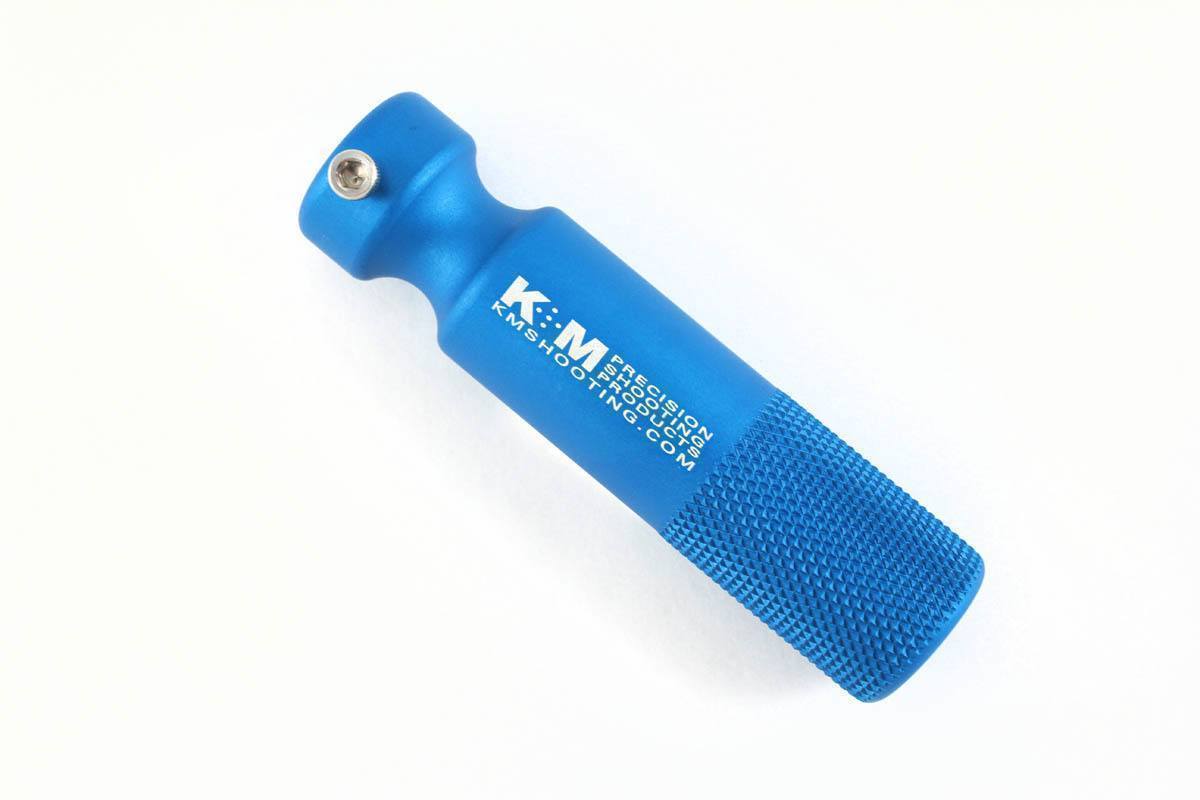
Power Grip
$24.25

Power Adapter Handle
$17.05